Flowmodoro
Flow over clock. Rest that fits.
Instead of rigid Pomodoro intervals that tear you out of deep concentration, Flowmodoro counts up while you work and calculates a smart break when you decide to stop. Work until your attention wanes, recharge proportionally, repeat.
Free · Android and web · iOS coming soon
See the difference
How it works
- 1
Focus
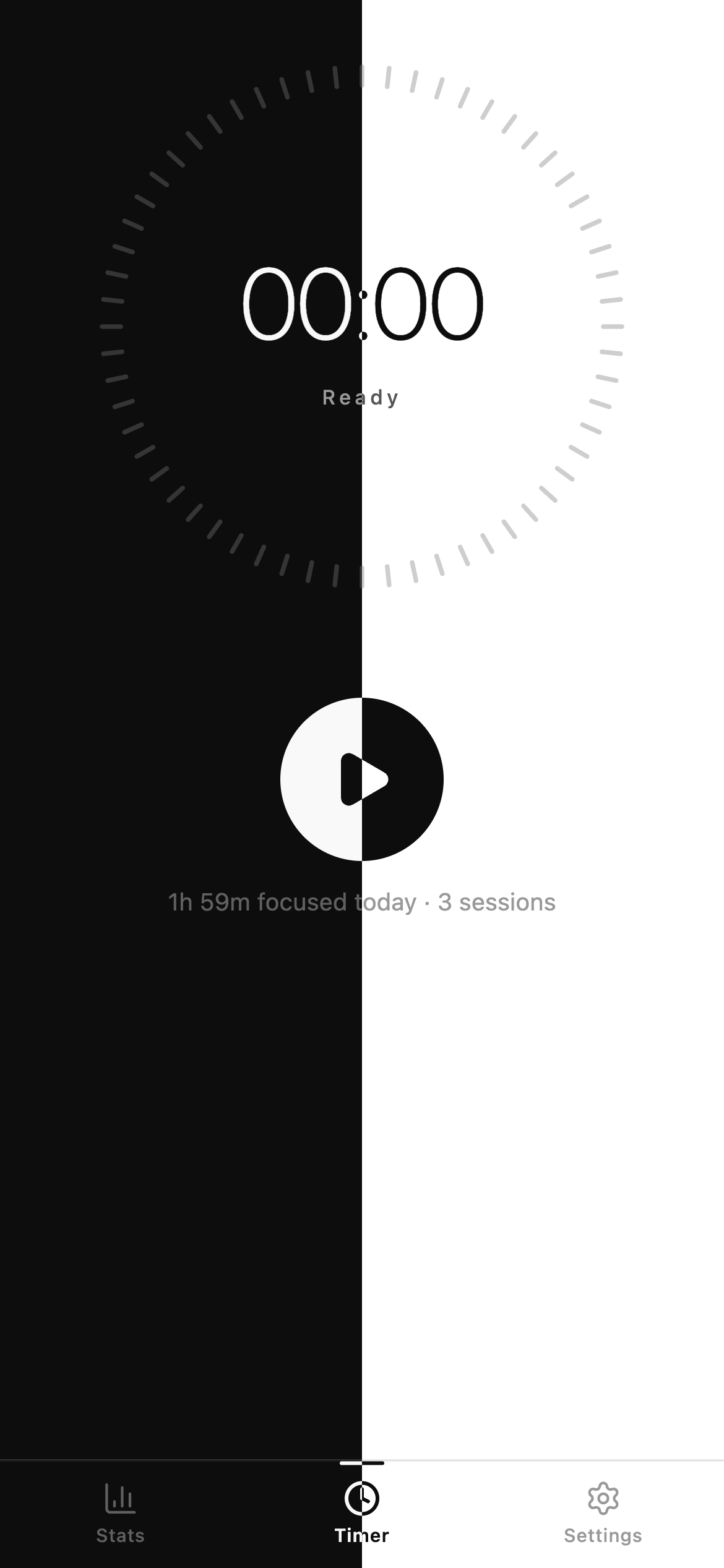
Start the timer and get to work. It counts up from zero — no alarms, no interruptions.
- 2
Stop
End the session whenever your attention wanes. It's your rhythm, not the clock's.
- 3
Rest
Flowmodoro calculates a proportional break that counts down, then auto-completes.
Features
Count-up focus timer
No rigid 25-minute intervals and no interruptions. Flowmodoro counts up while you work — you decide when a session ends.
Adaptive rest ratio
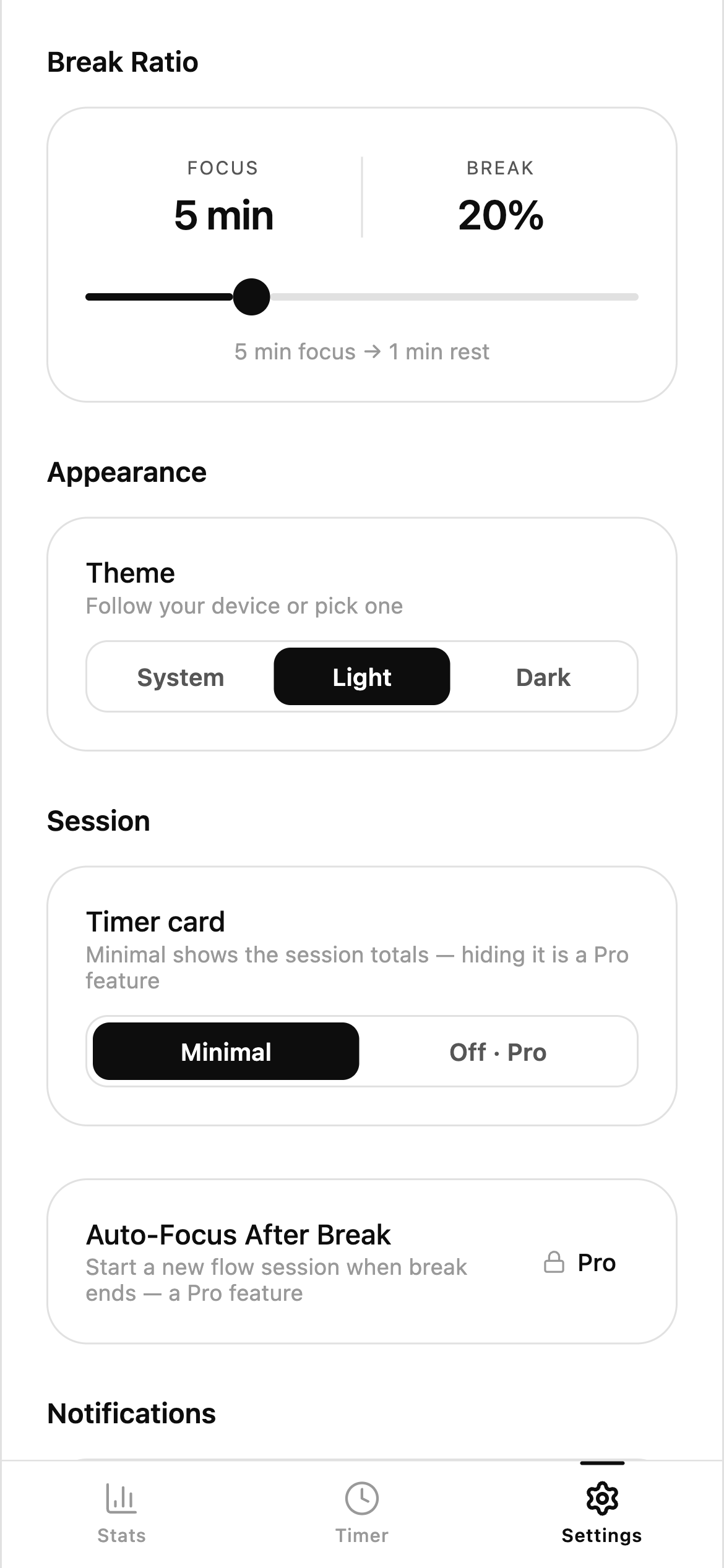
Break time scales with focus time. The default is ~20%, so 25 minutes of flow earns you 5 minutes of rest. Adjustable from 8% to 50%.
Statistics
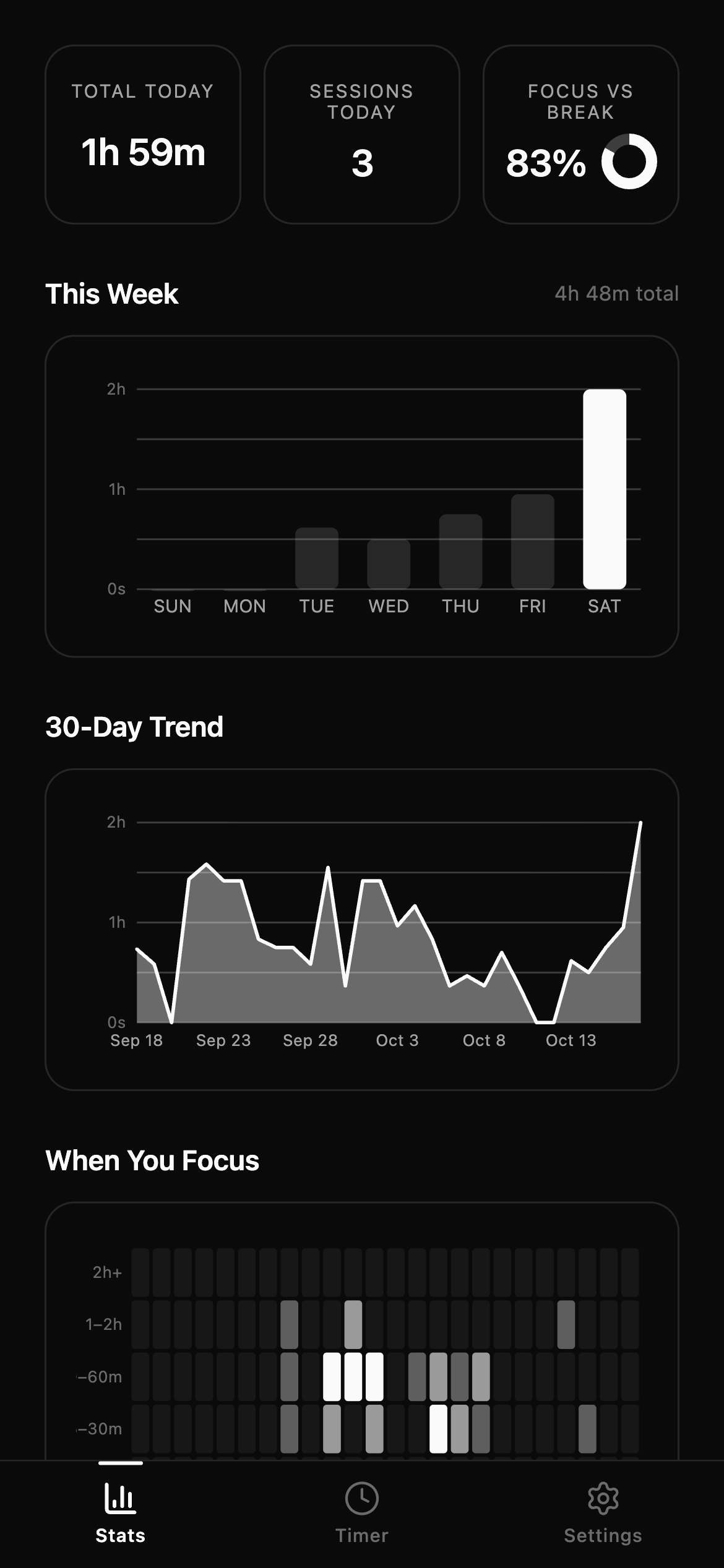
Summary cards for total focus time, sessions and today, a weekly bar chart with the current day highlighted, and a reverse-chronological session history with names, tags and date filters. Pro adds the heatmap, the 30-day trend and the focus-vs-break breakdown.
Alarm sounds & notifications
Nine hand-picked alarm sounds — five free, four in Pro. Preview any of them, adjust the volume, or disable alerts entirely. Get notified when a focus session or break ends.
Breaks that end themselves
The calculated break counts down and stops on its own. Pro can also start the next focus session automatically when the break ends, so a flow block runs uninterrupted.
Minimal by design
A flat black-and-white interface with no gradients, no shadows and no chrome. It follows your device theme, and respects reduced-motion settings.
Plans
The timer, the adaptive breaks and the core stats are free forever. Pro adds cloud sync, the deeper statistics, CSV export and the extras that automate your flow — as a yearly pass or a single one-time payment.
See it in action
Ready to flow?
Free to start. Your data stays on your device — Pro is what syncs it.
Android
Direct download — no store, no sign-up. Open the file on your phone to install; Android may ask you to allow installs from this source the first time.
Download APKWeb
The same app, right here. It runs in any browser — nothing to install, and it works on a laptop or a phone.
Open web appiOS
The iPhone version is on its way. Until then, the web app works in Safari.
Coming soonVersion 1.3.1 · Alpha